

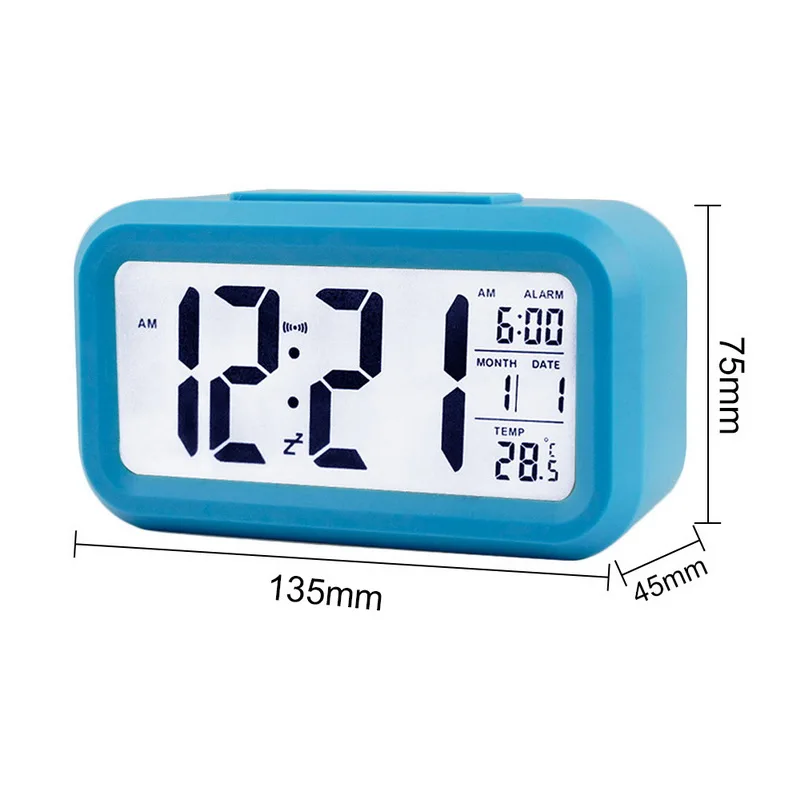
Digital Alarm Clock Time Data LCD Display Snooze Function Electronic BackLight Sensor Nightlight Office Table Student Kids Clock
Product details
| Management number | 241268699 | Release Date | 2026/07/18 | List Price | US$5.60 | Model Number | 241268699 | ||
|---|---|---|---|---|---|---|---|---|---|
| Category | |||||||||
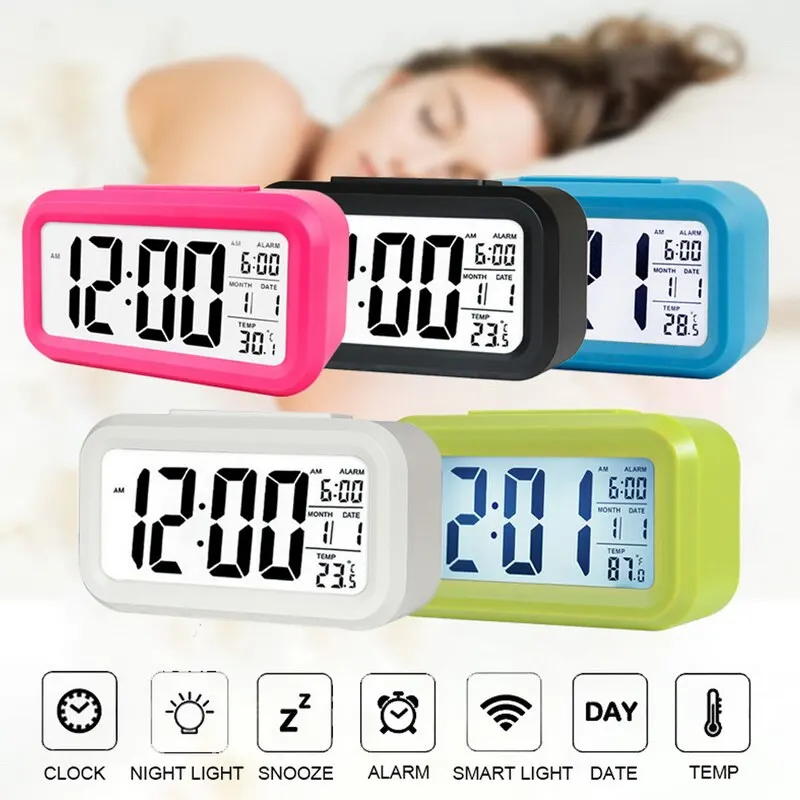
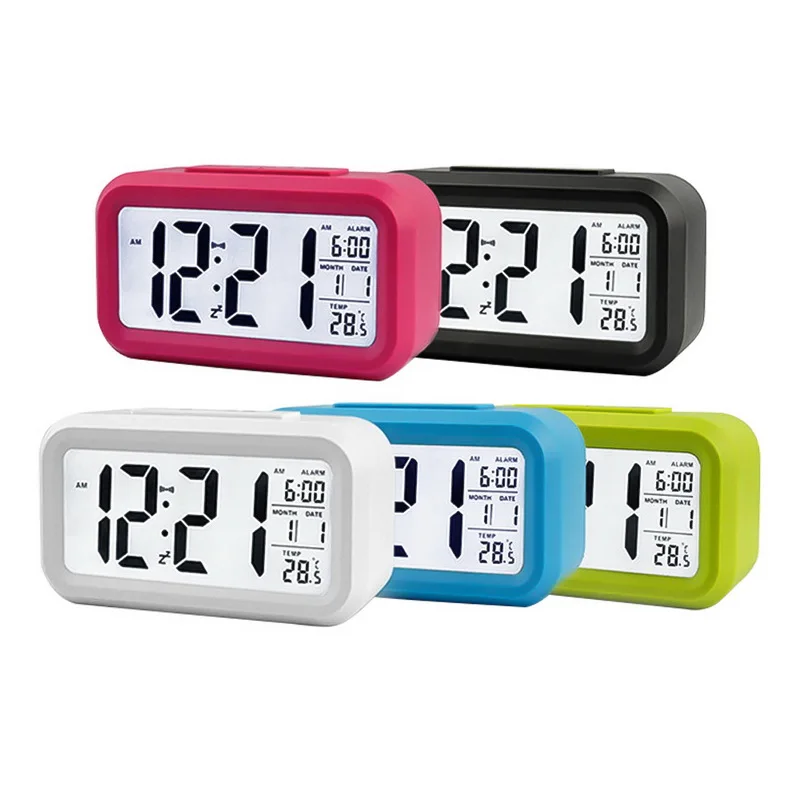
Color: white/green/blue/black/rose red
Size: 135*75*45mm
Material: ABS, LCD
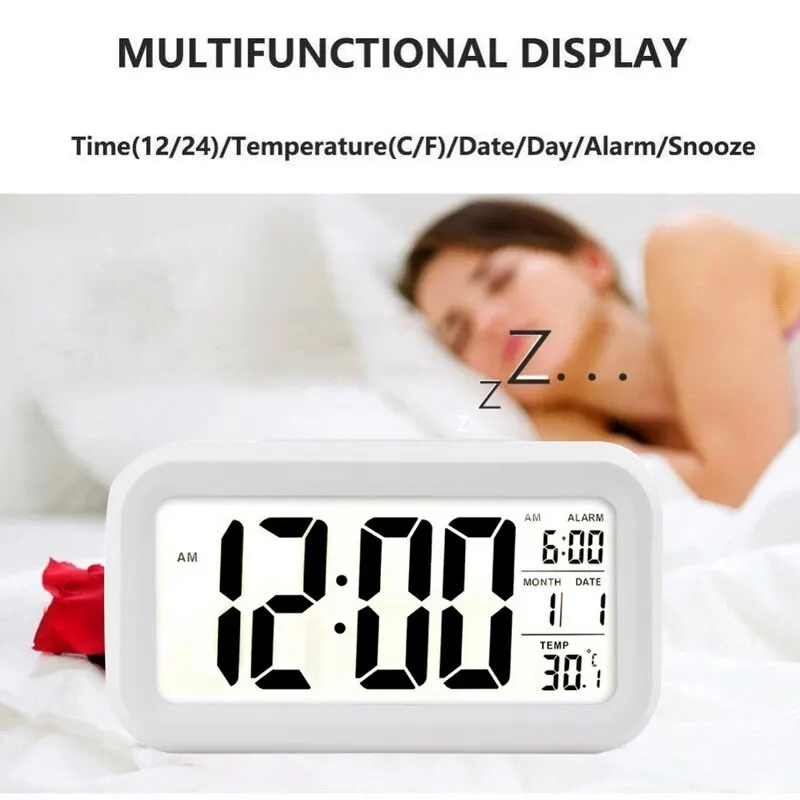
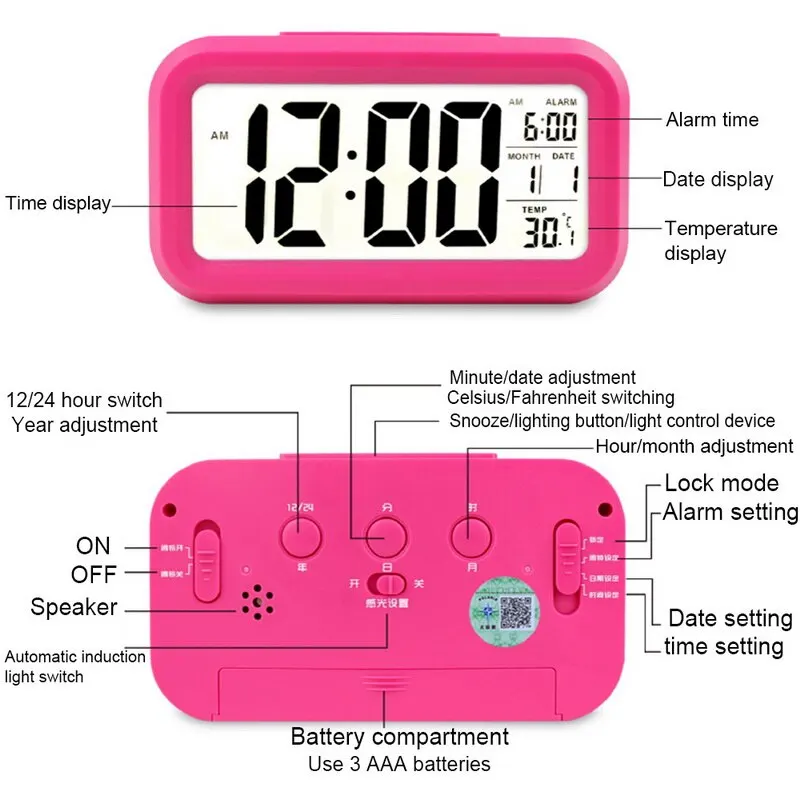
Display: time/temperature/date/day/alarm Time
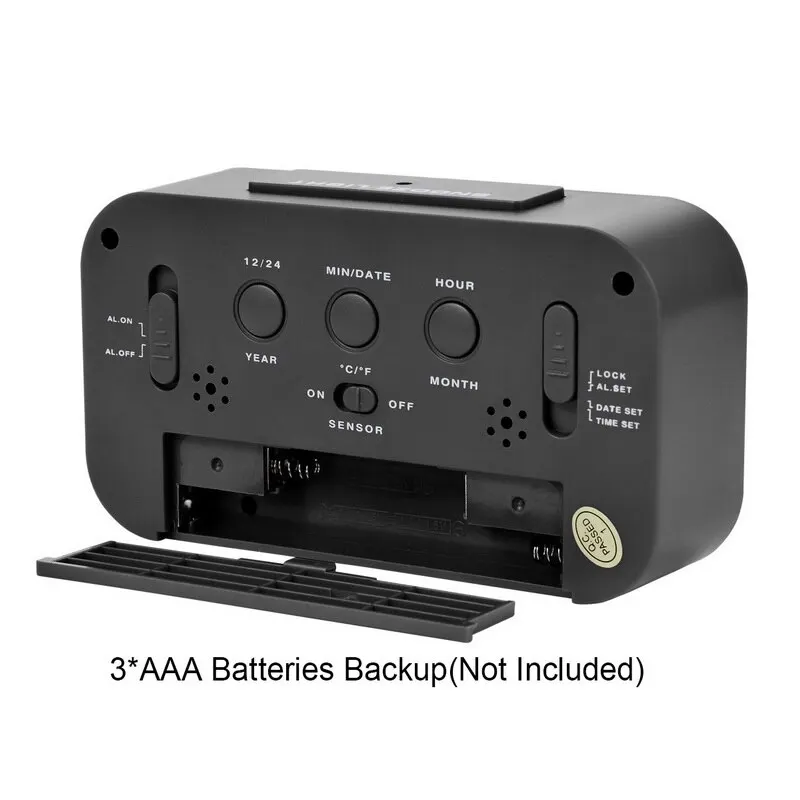
Powered by: 3 AAA batteries (not included)
Package list:
1*digital alarm clock
1*user manual
Features:
1. Large LCD screen: it will shows the time (AM/PM), calendar (MM/DD), temperature (C/F) and alarm time. Comes with clear and comfortable visual sense.
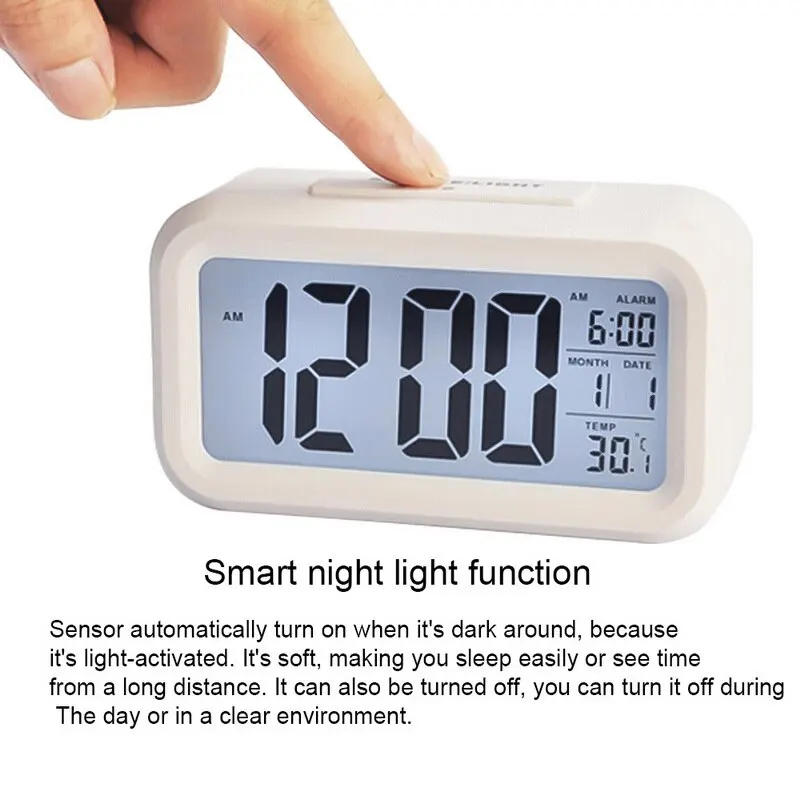
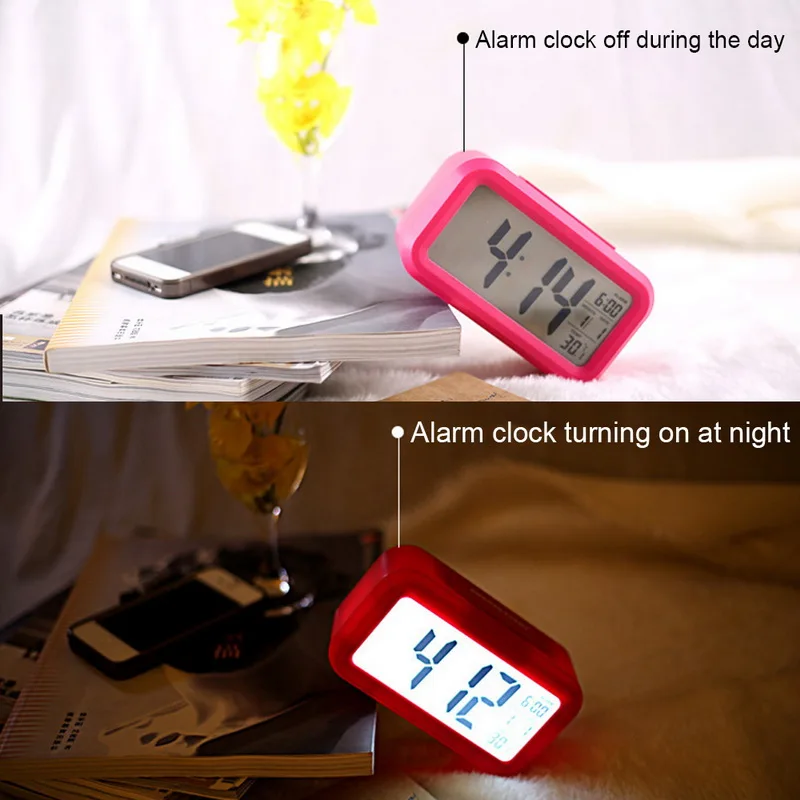
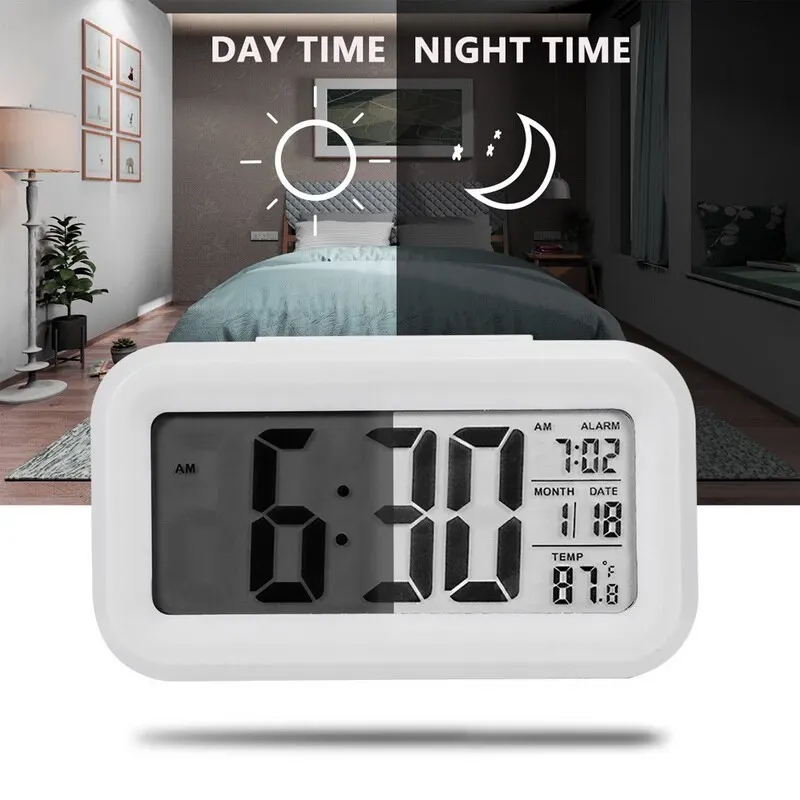
2. Smart night light function: sensor automatically turn on when it's dark around, because it's light-activated. It's soft, making you sleep easily or see time from a long distance. It can also be turned off, you can turn it off during the day or in a clear environment.
3. Three steps crescendo alarm: alarm will sound stronge gradually, gently wake you up from sleeping.
4. Snooze function: when the alarm clock is ringing and then turn down the alarm by pressing snooze button, it will ring again 5 minutes later.
5. For a low radiation: the clock is designed with a low current.
6. Intelligent white backlight: built-in sensor to turn on/off the backlight automatically.
7. User-friendly: provide a good sleep and best working environment. Ideal for kids, students, adults and senior.
8. How to set the time:
* Push the button to the desired time position.
* Then press the hour,minute button to set the time.
* After setting the time, push the button back to the lock mold.
9. How to set the date:
* Push the button to the date position.
* Then press the year, month and day button to set the date.
* After setting the date, push the button back to the lock mold.
10. How to set the alarm clock:
* Push the button to the alarm clock position.
* Press the hour, seconds button and set the alarm time.
*After setting the alarm time, push the button back to the lock mold.
?

?
Bestseller ranking
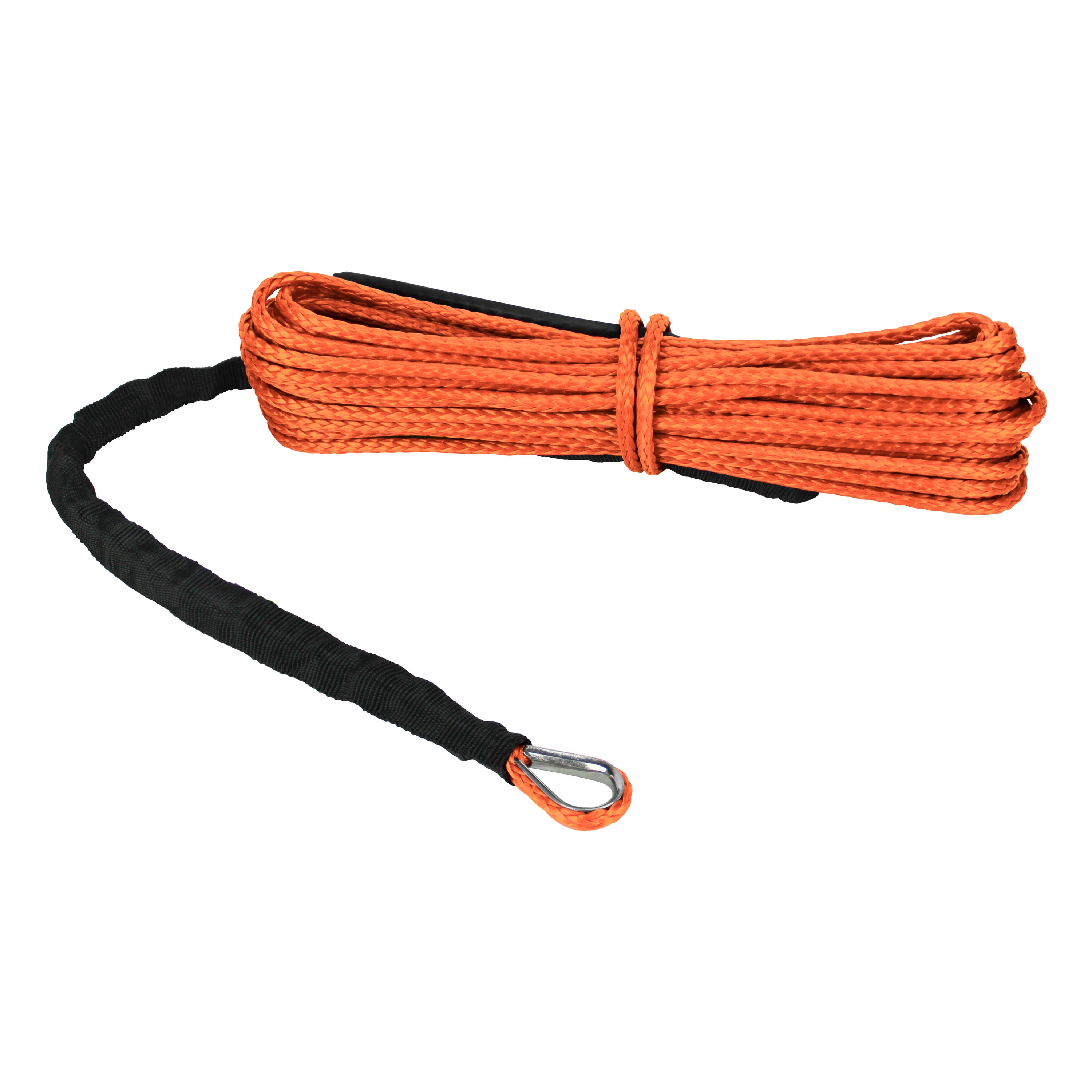
ATV Winches
Customers who viewed this product also viewed
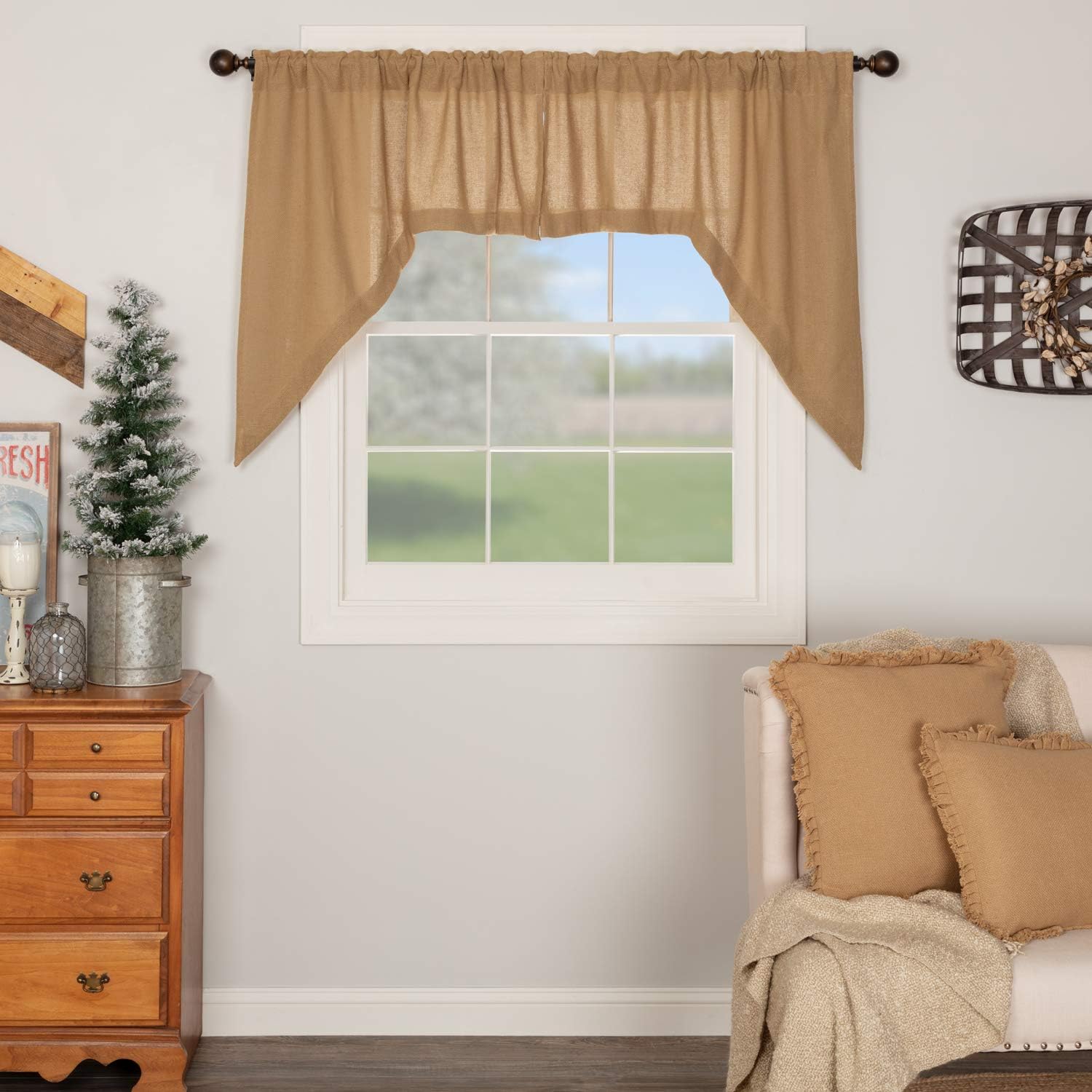
Home Décor Products


Correction of product information
If you notice any omissions or errors in the product information on this page, please use the correction request form below.
Correction Request Form